A complete 2025 Samsung FRP bypass guide for S24, A-Series, and tablets. Learn SamFw Tool methods for MTP, Brom, and ADB modes with safe, chipset-correct steps.
Identify your Android version and find the exact FRP bypass method for Samsung, Motorola, Xiaomi, Pixel, and more. Includes PC tools & APK guides.
Bypass Google Lock on ANY Motorola. Learn why RSA fails, how to use the "Moto Widget" exploit for Hello UI, and when to use PC tools.
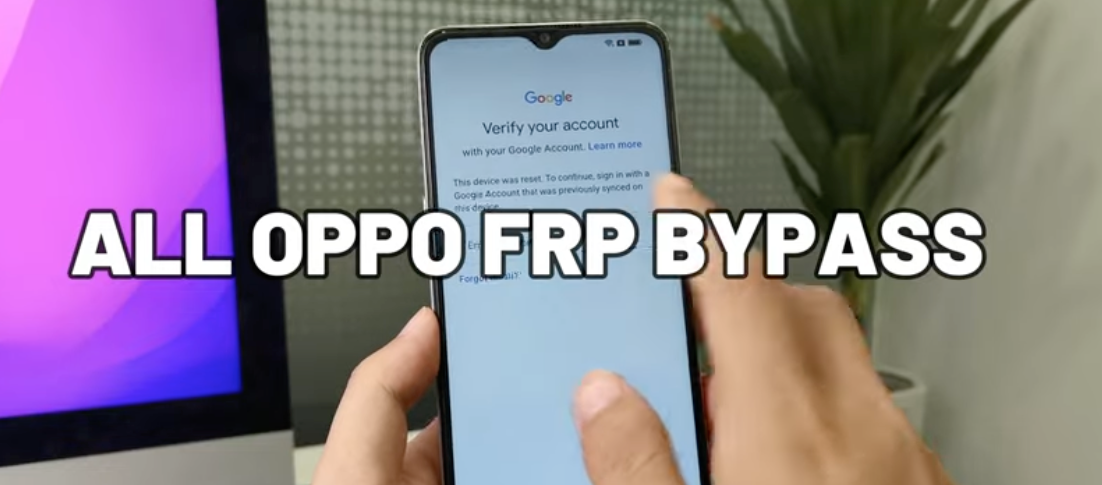
The complete 2025 roadmap for OPPO FRP removal. From the old *#813# code to the latest ColorOS 15 Clone Phone method. Find the exact solution for your device here.
The verified 2025 guide for Vivo FRP Bypass. Learn how to use Brom Mode for Y-Series (MediaTek) and the Activity Manager fix for V-Series (Android 14).
The ultimate 2025 guide for MediaTek (MTK) devices. Learn how to use Brom Mode, MTK Client, and Test Points to bypass FRP on Samsung, Redmi, Vivo, and OPPO phones.
FRP (Factory Reset Protection) isn't really a "code" but rather a core security feature built into Android 5.1 and newer operating systems. Think of it as a "digital anti-theft lock." When you sign into a Google Account on your device, FRP activates automatically. If the device is lost or stolen, and the thief tries to factory reset it using the hardware buttons (Recovery Mode), FRP requires them to enter the last Google Account and password used on that device. This makes the stolen device virtually useless to them.
This question reveals a common misunderstanding. The FRP lock is activated after a factory reset; you cannot "turn it off" from the lock screen you are stuck on.
The correct action is to prevent the FRP lock from ever engaging. If you plan to factory reset your phone (e.g., to sell it), you must disable FRP before you reset. Here’s how:
Once all Google Accounts are removed from the device, FRP protection is deactivated. Now, when you perform the factory reset, the new user will not be asked for a Google Account verification.
Yes, even if you are locked out, the FRP lock (Google account verification) can technically be removed or "bypassed." However, this usually cannot be done from the phone's settings. This process (often called an "FRP Bypass") requires specific technical knowledge and specialized third-party software tools. Most methods require a computer, a USB cable, and putting your Android device (like a Motorola, Samsung, etc.) into a special mode (such as Download Mode or Fastboot Mode) to allow the computer software to execute the bypass procedure.
Similar to Google's FRP, Samsung devices have their own "Samsung Account" lock. If you are locked by a Samsung account after a factory reset, you will need to enter the credentials for that specific account.
If, however, you simply want to remove the Samsung account before a reset (to prevent this lock), follow these steps:
Google does not provide an "FRP Bypass Tool" or "FRP Unlocker." The very purpose of FRP is to be secure.
What Google does provide is an "Account Recovery" tool. If you are stuck at the FRP screen—not because you don't know which account to use, but because you've forgotten that account's password—you can use another device (a computer or another phone) to visit Google's "Account Recovery" page.
You will need to prove you own the account by answering security questions (e.g., providing codes sent to a backup email/phone, answering security questions). Once you successfully verify your identity and reset the password, you can then use that new password on the locked phone to pass the FRP verification.
The legality of bypassing FRP depends entirely on device ownership and your intent.
Legal Scenario: It is generally considered legal if you are the rightful owner of the device. For example, you bought the phone (or bought it second-hand) and simply forgot the Google account or password you used. In this case, you are merely trying to access your own property.
Illegal Scenario: It is almost universally illegal if you are attempting to bypass the FRP lock on a device you do not own (such as a device you found or stole). This action could be seen as possessing stolen goods, unauthorized access to a computer system, or facilitating theft.
